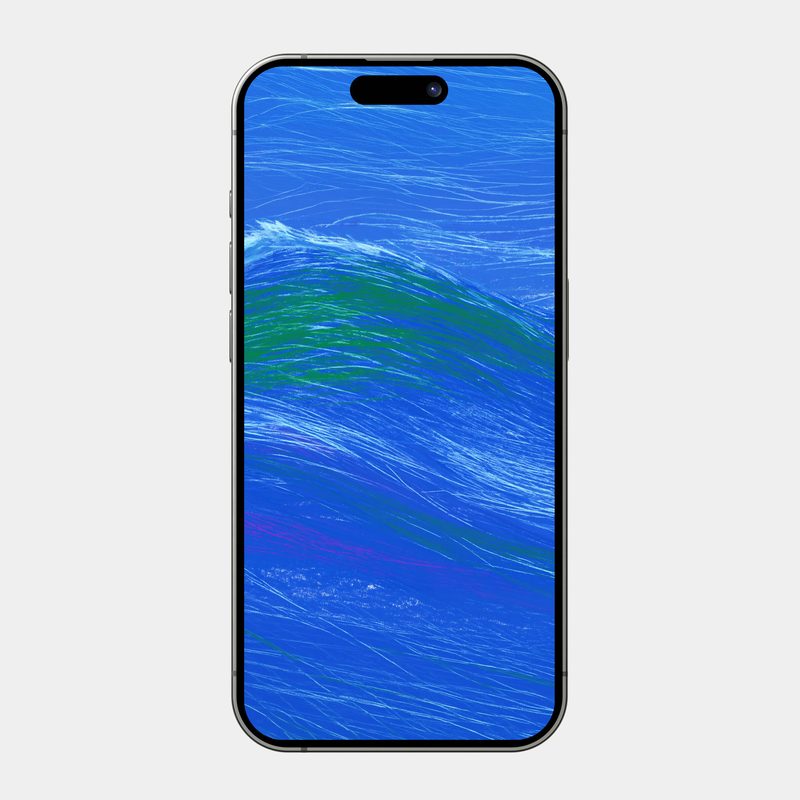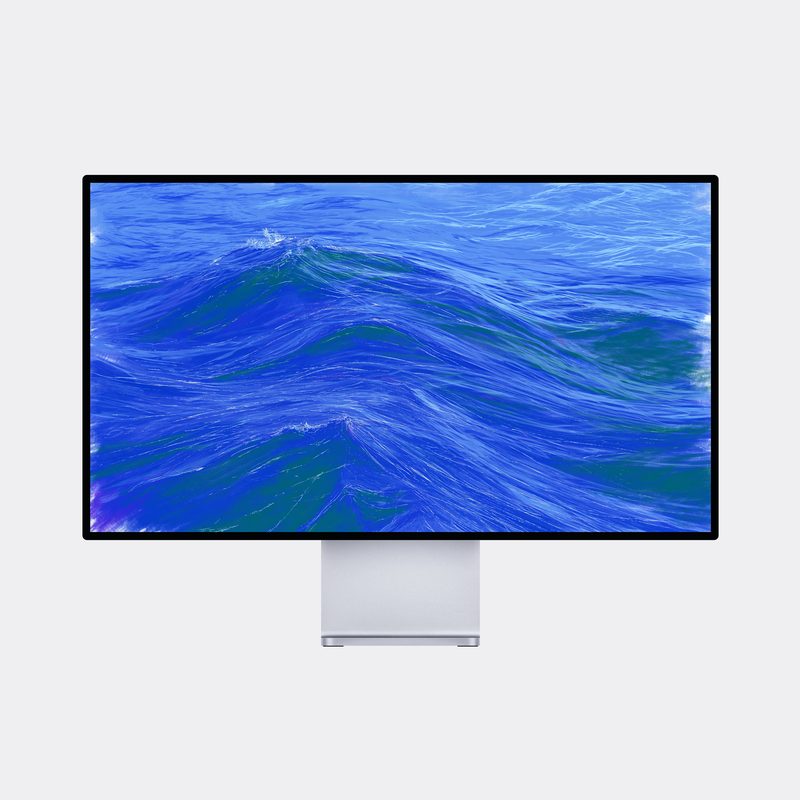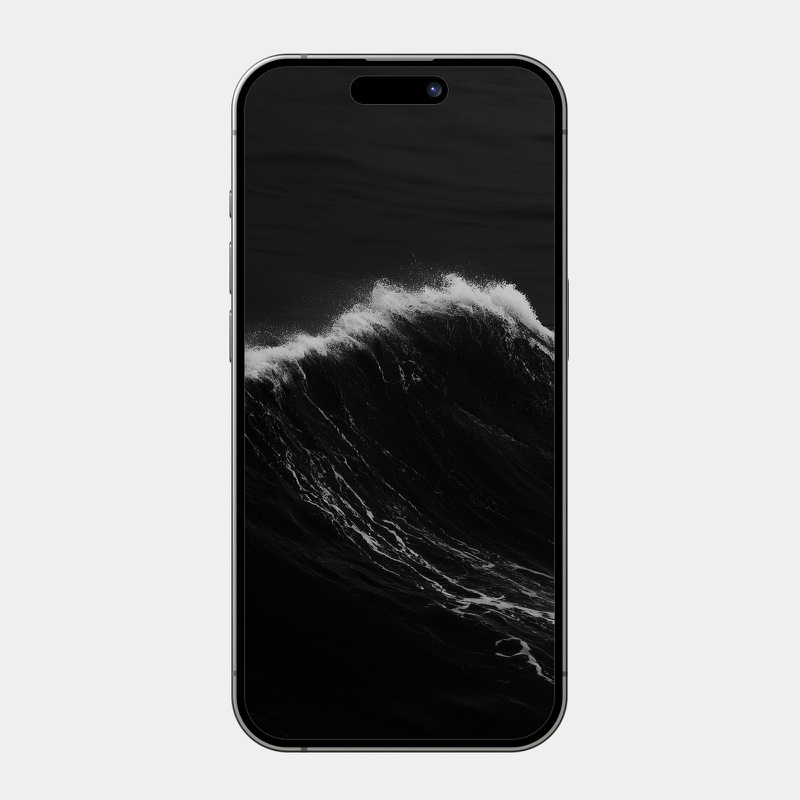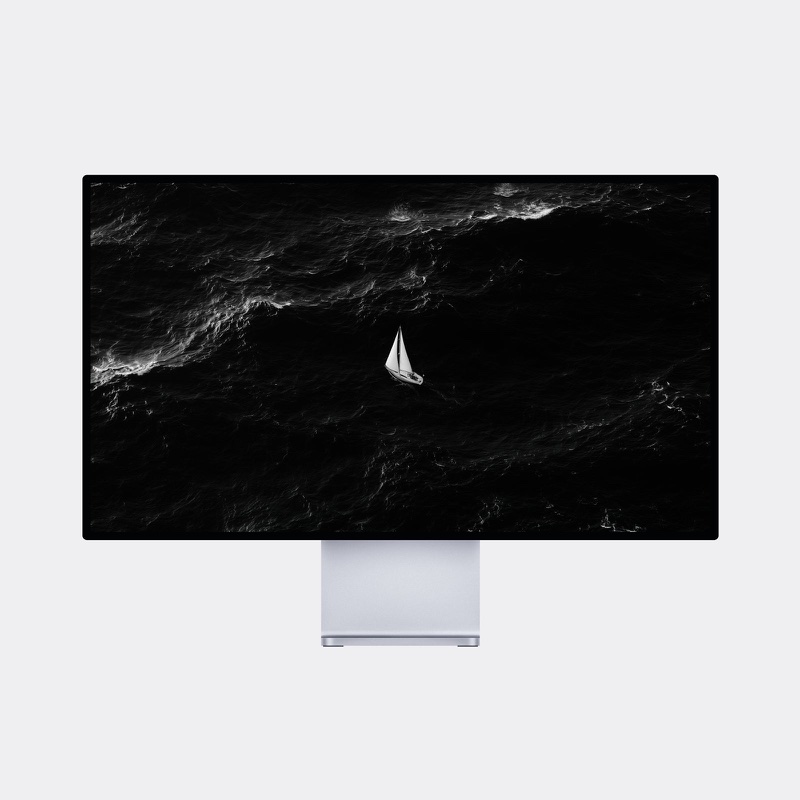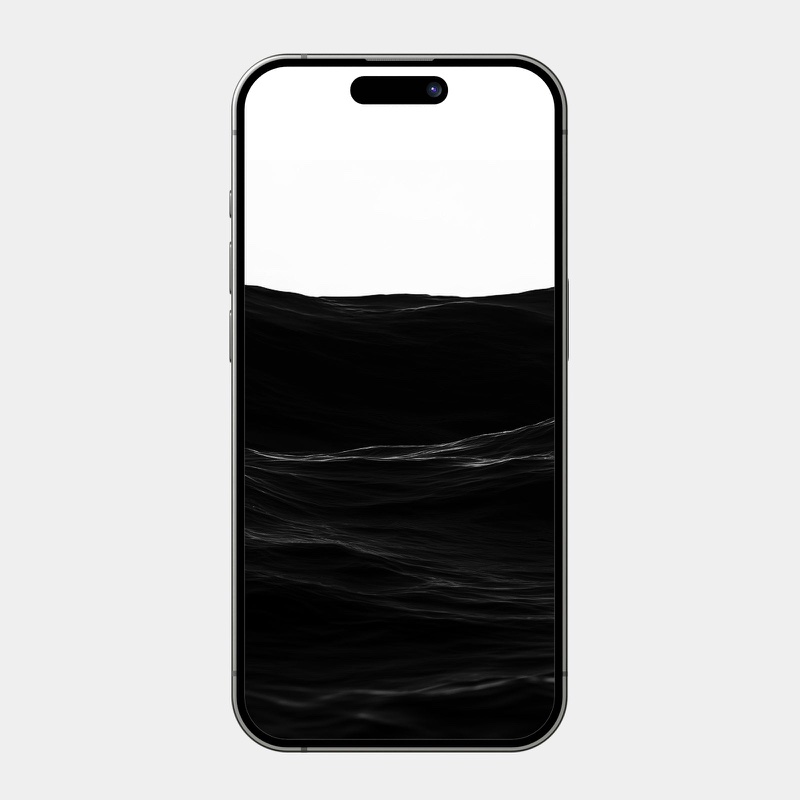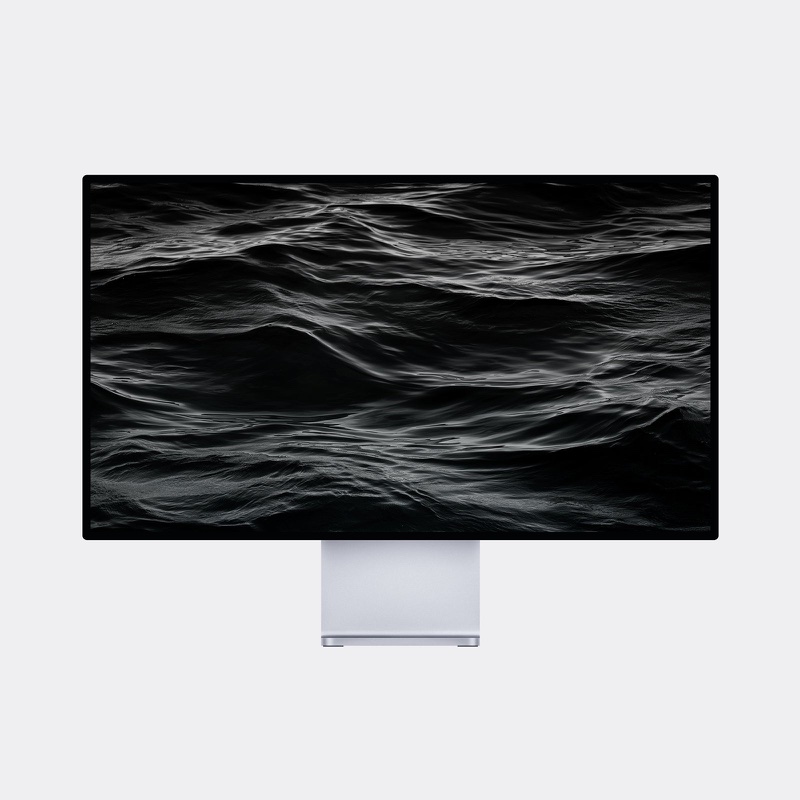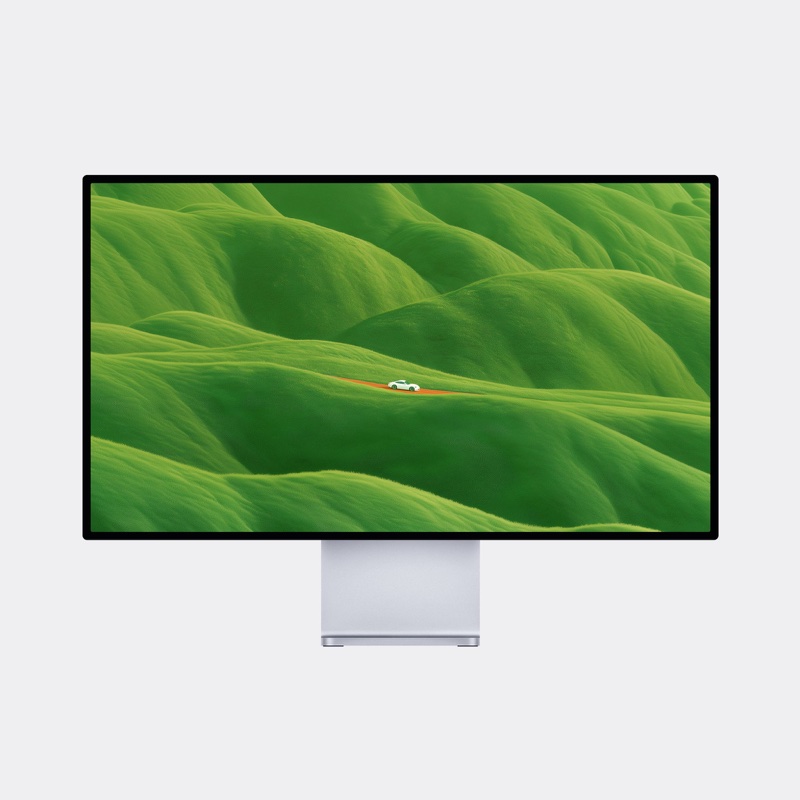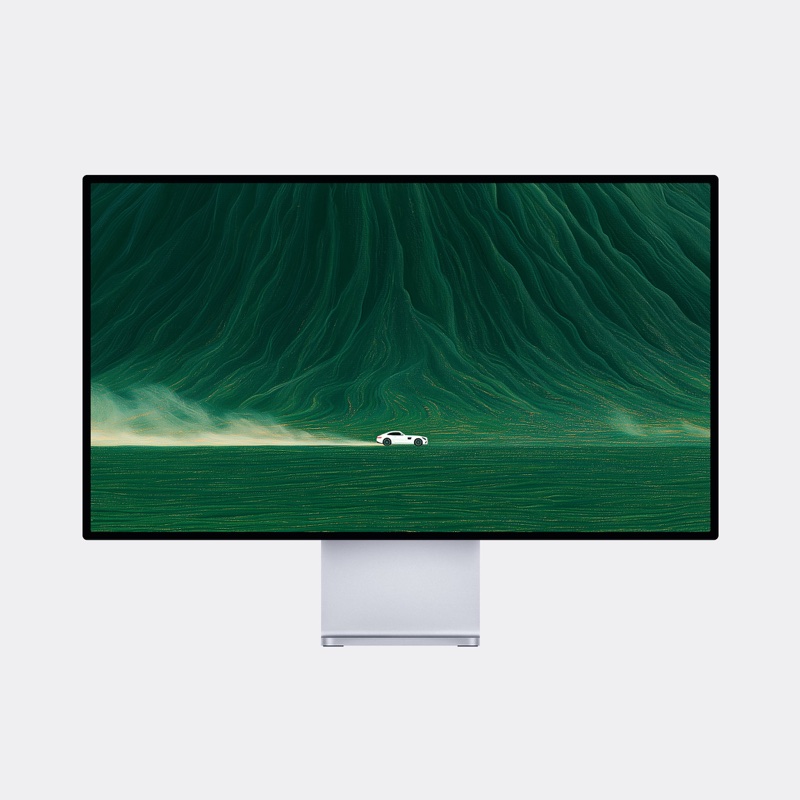
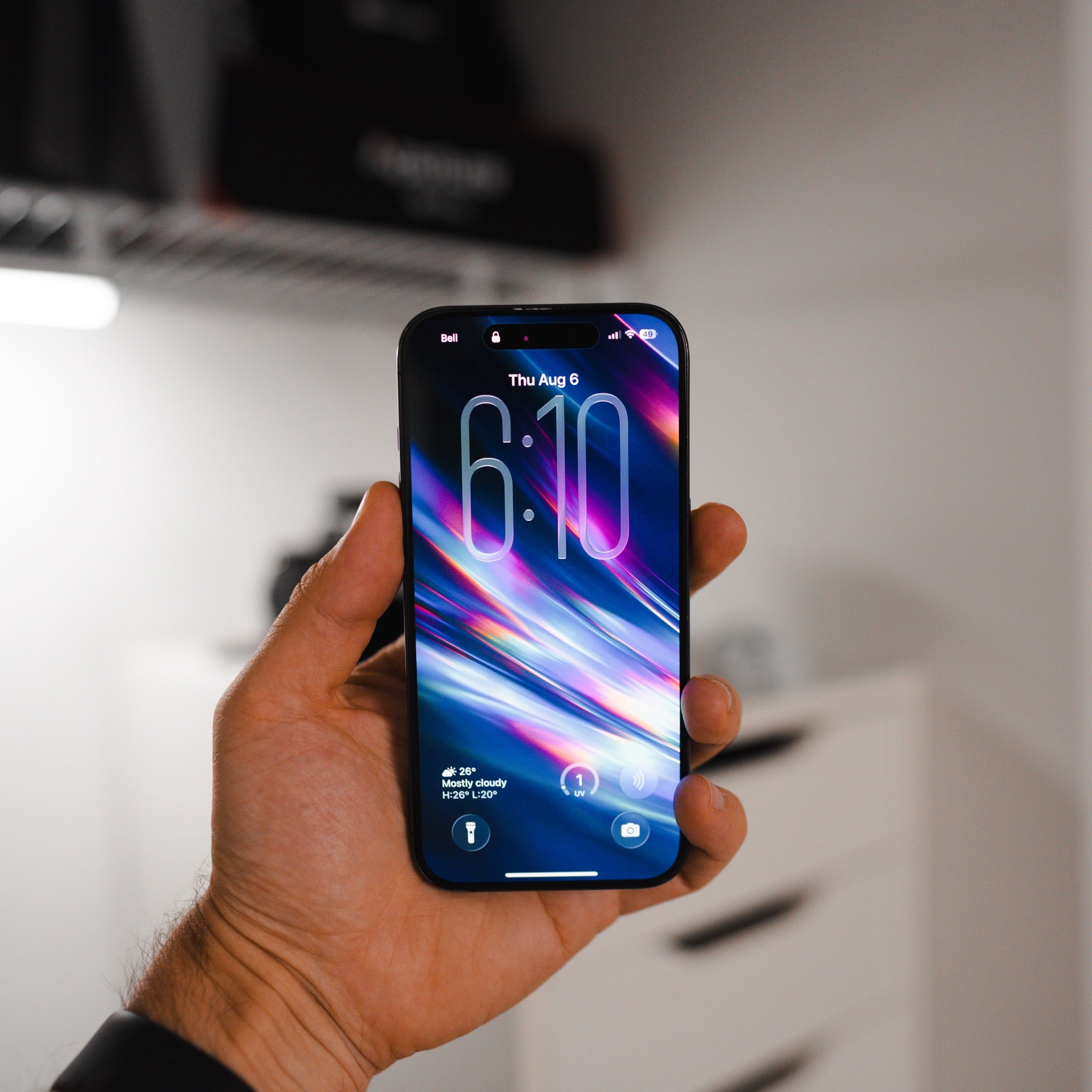
Helios Wallpaper Pack
Secure checkout · Instant download
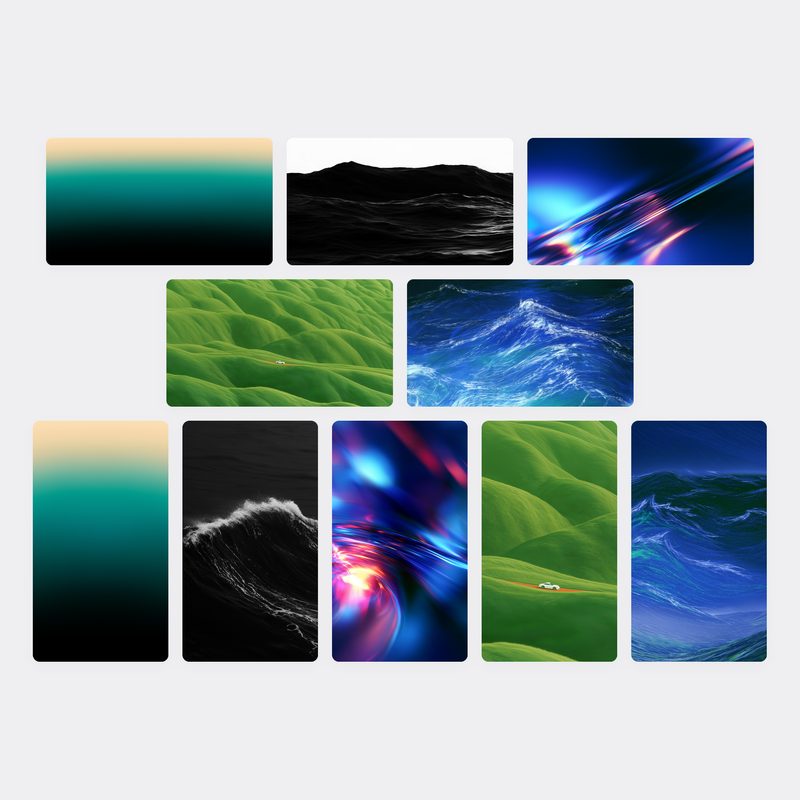
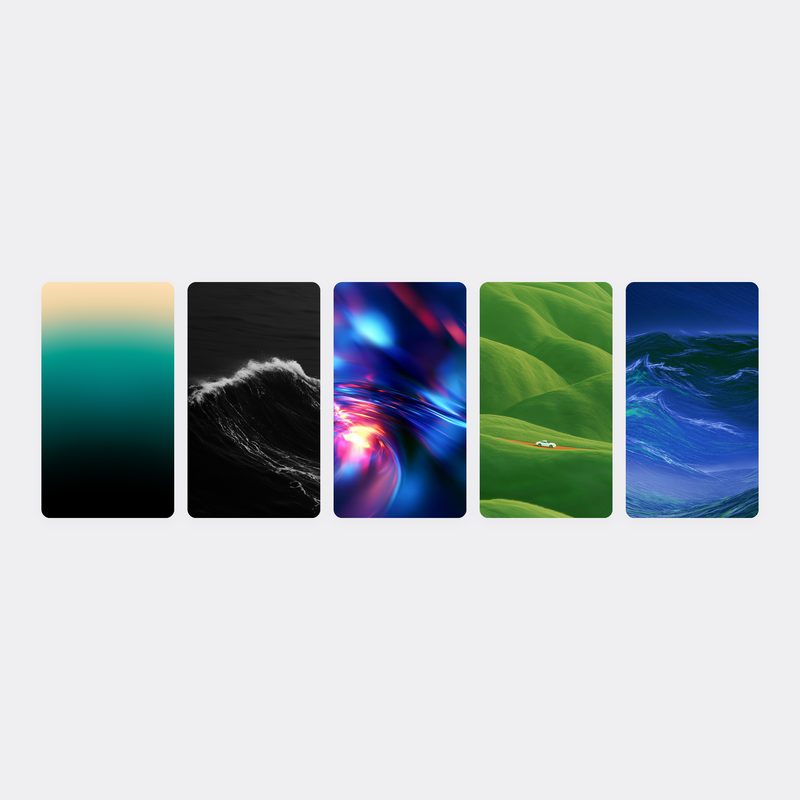
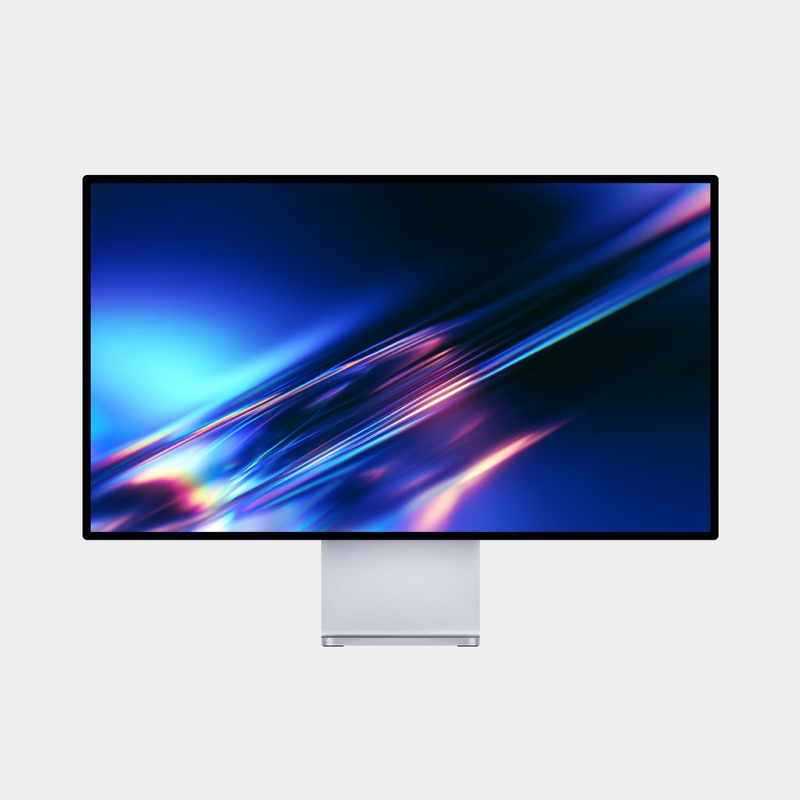
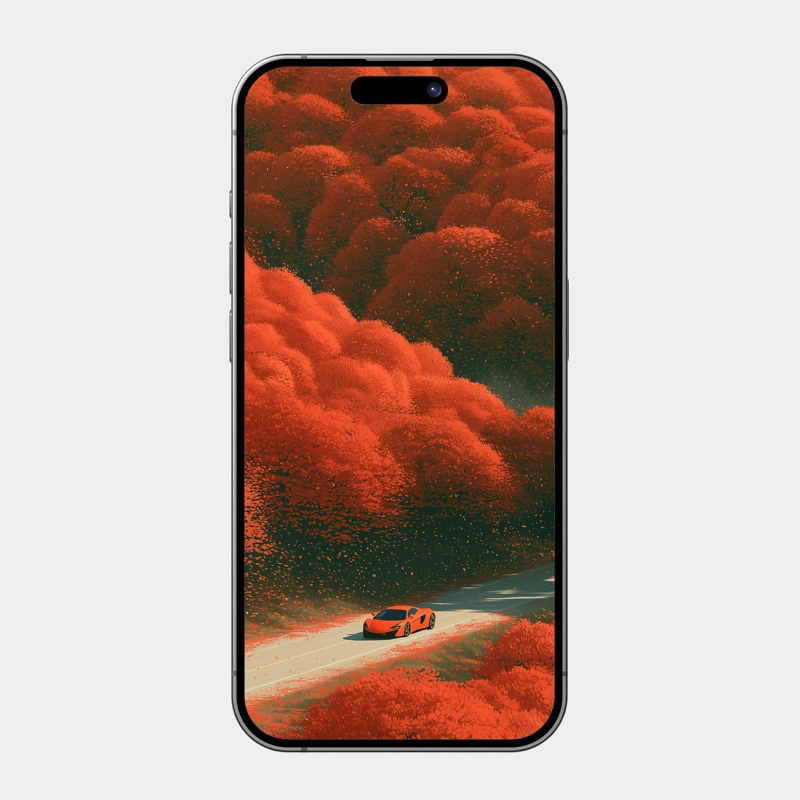
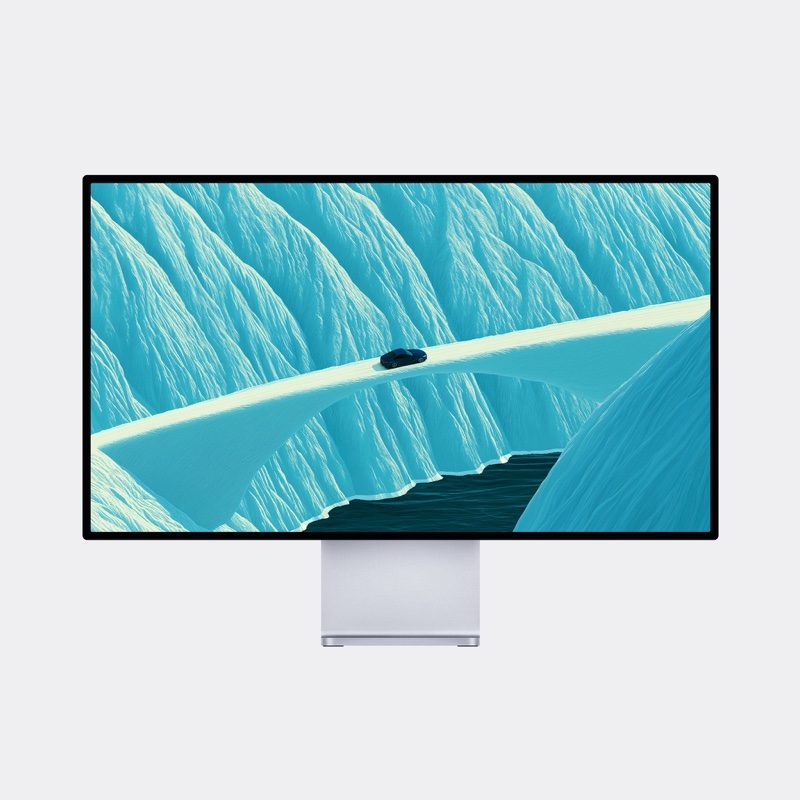
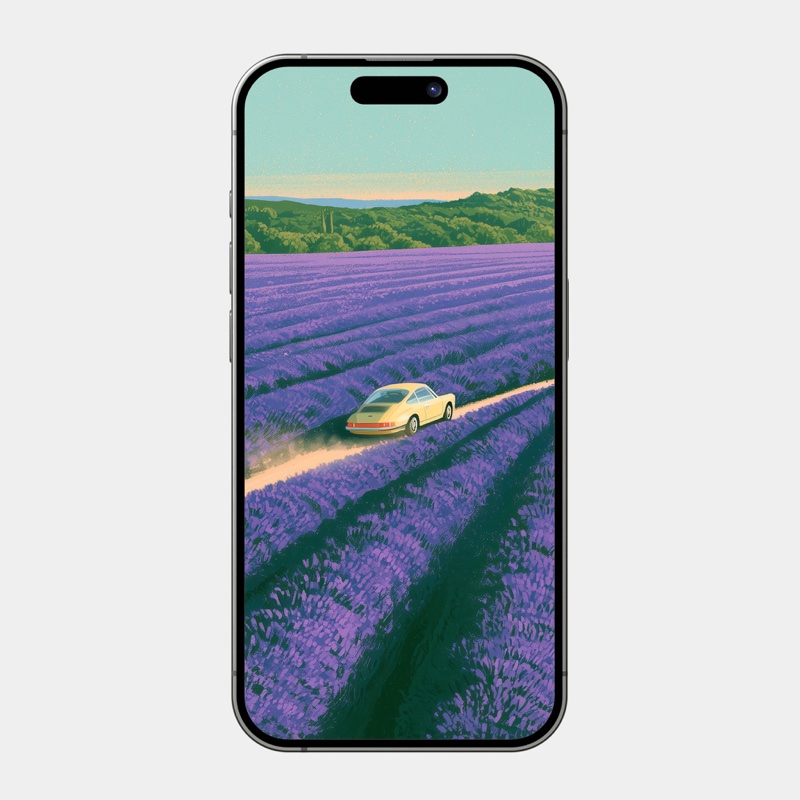
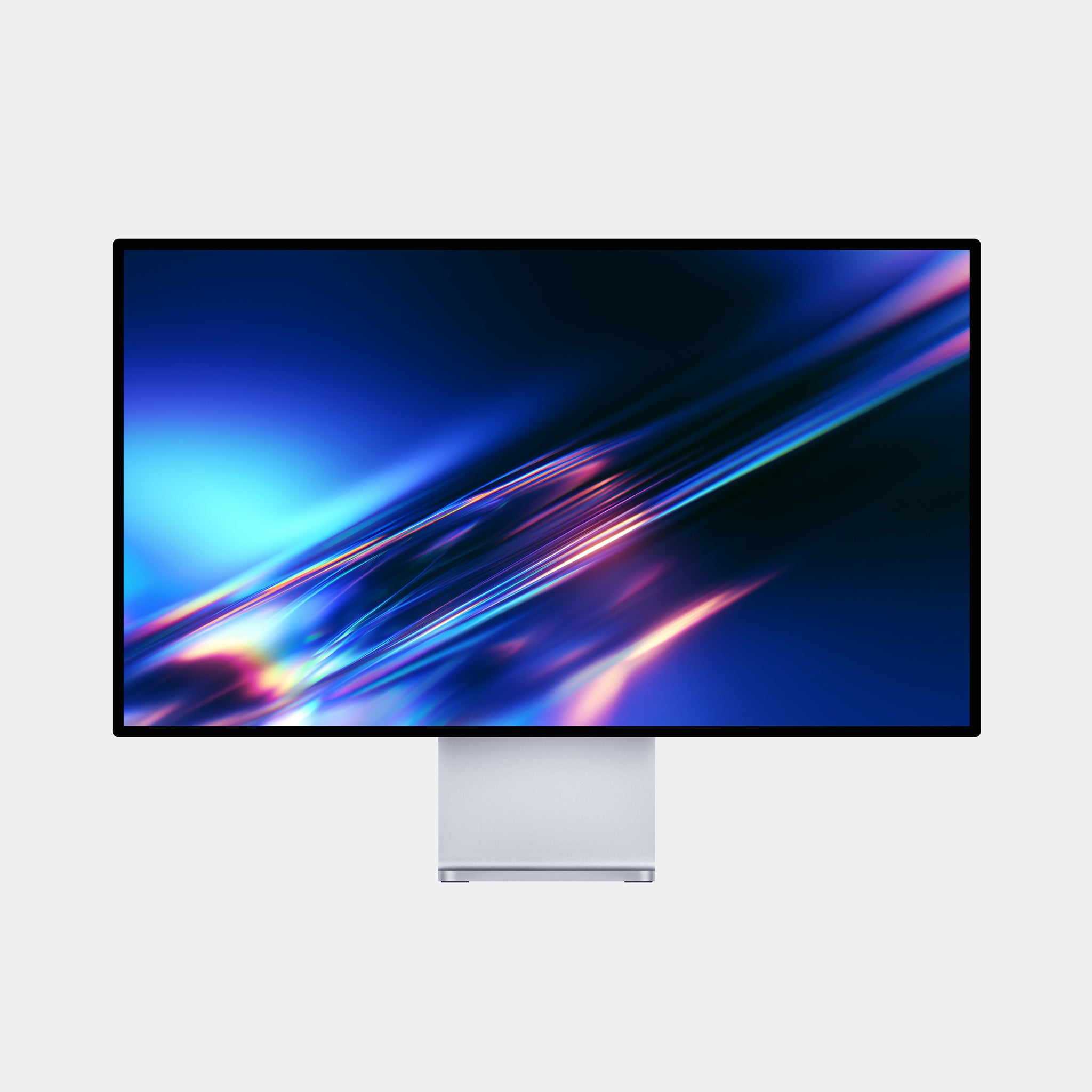
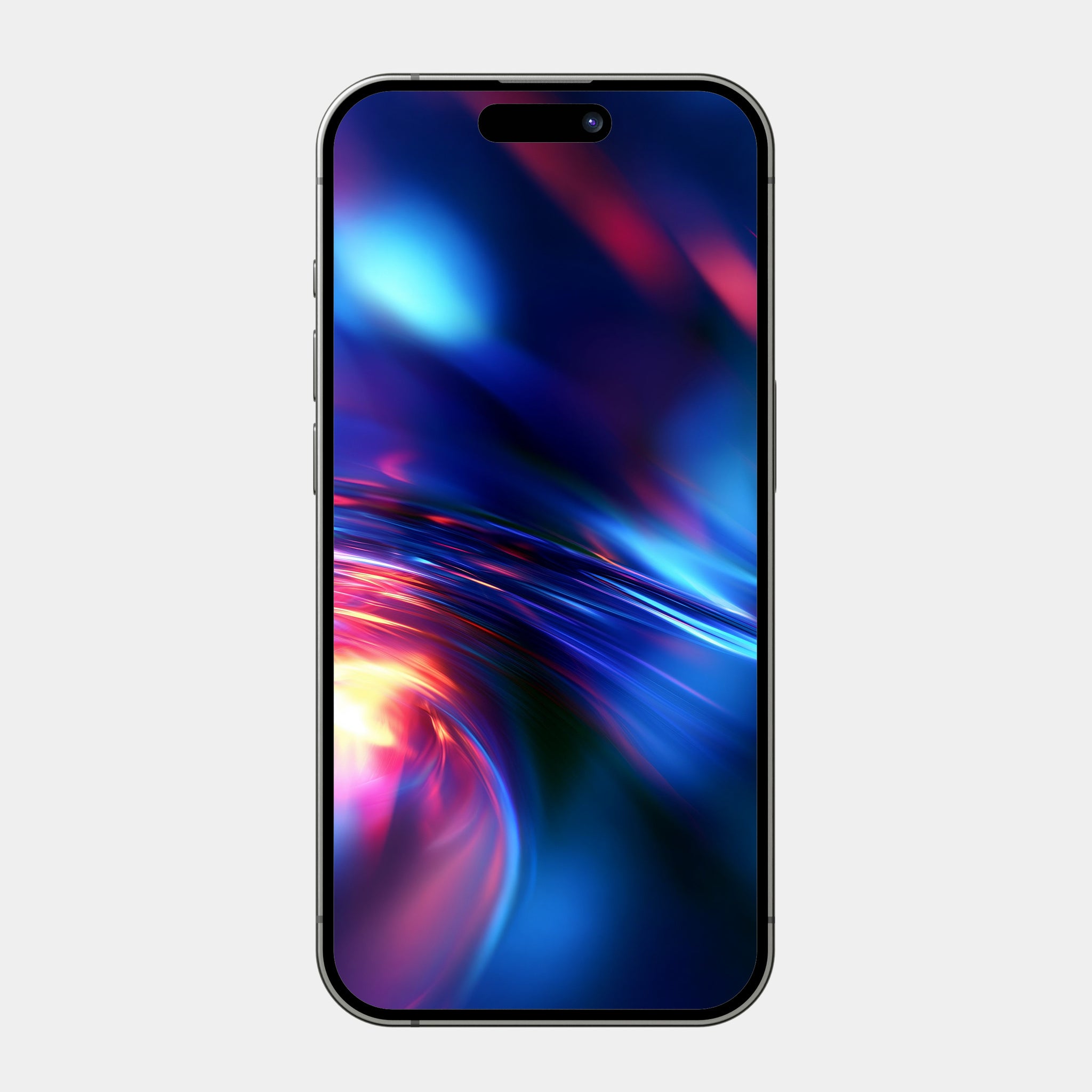
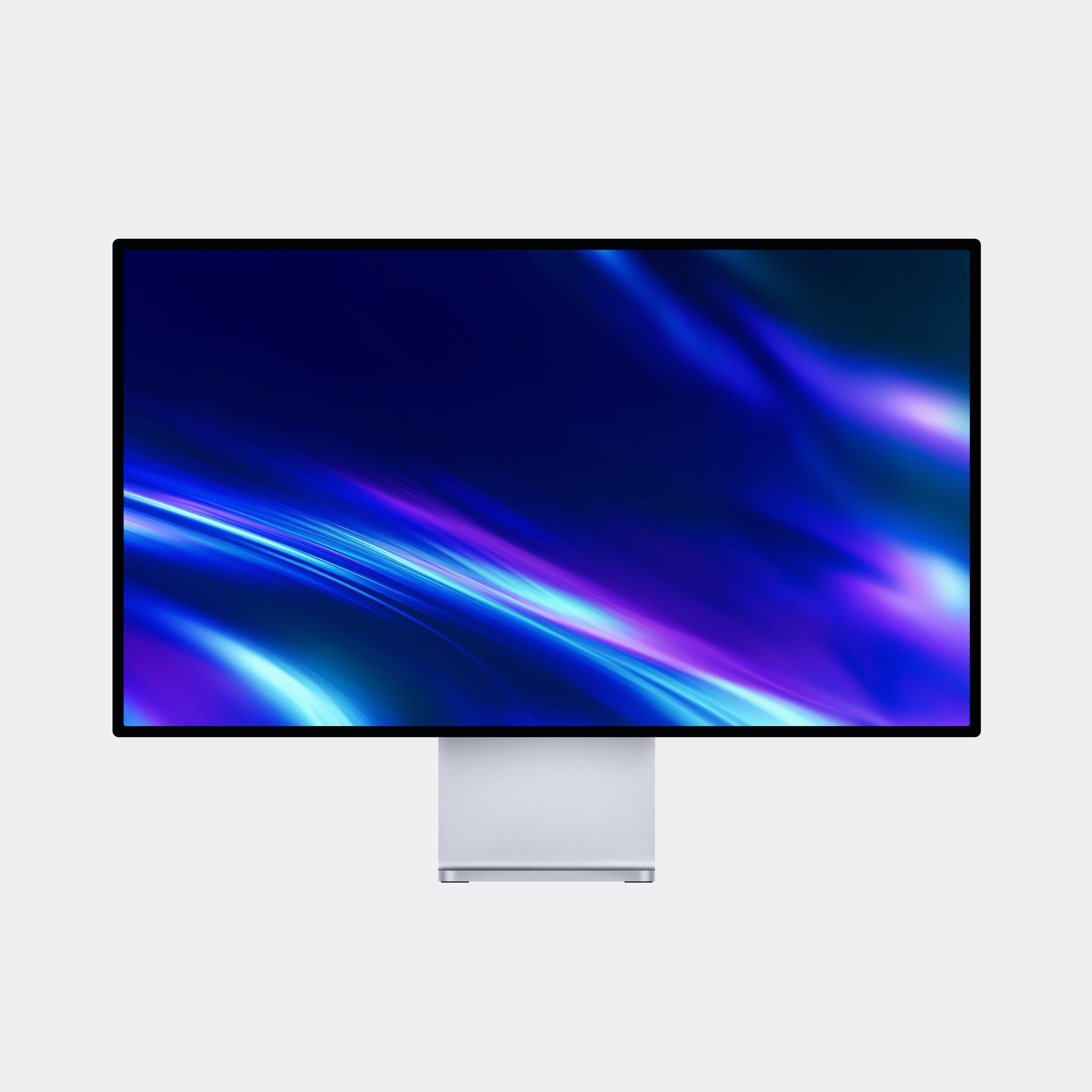
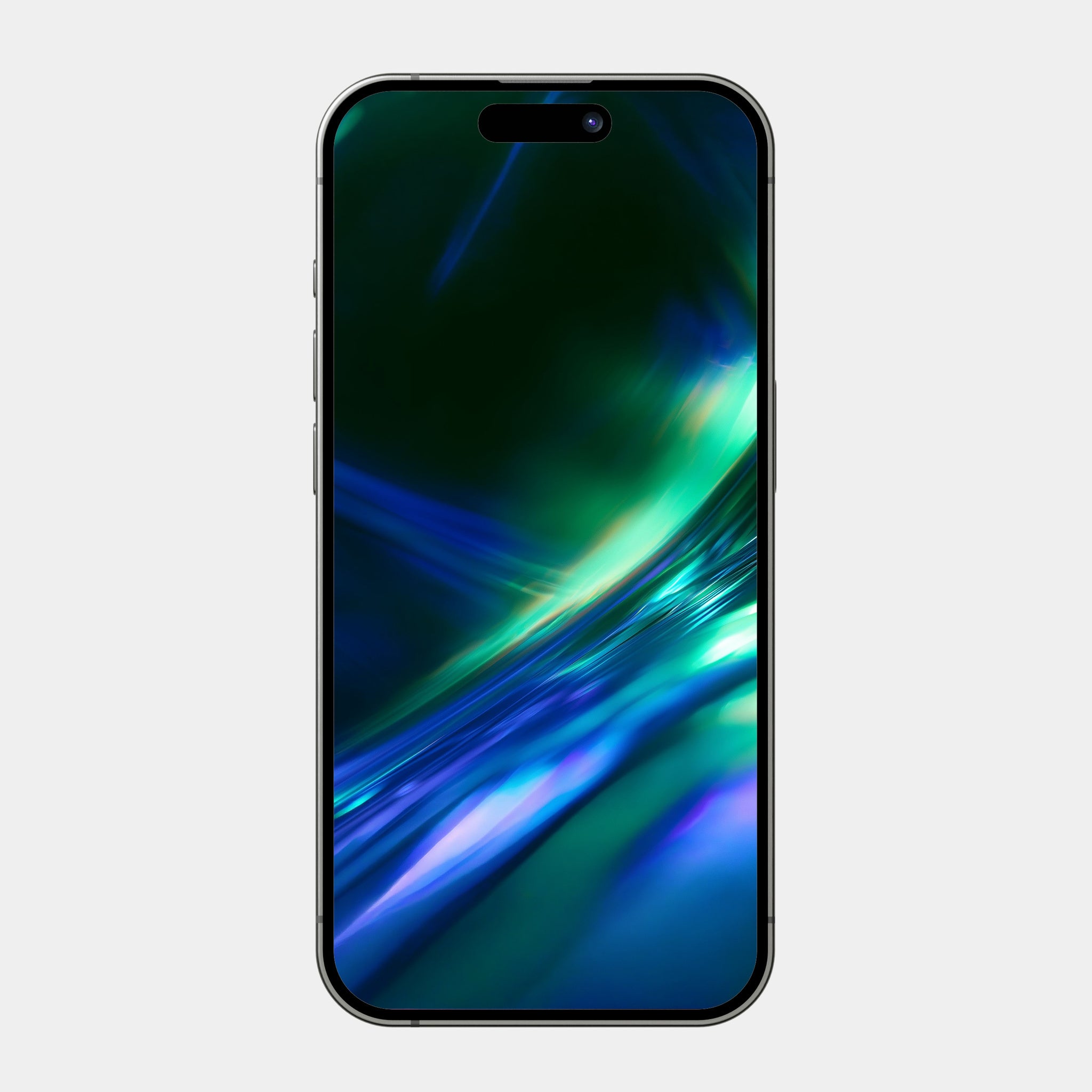
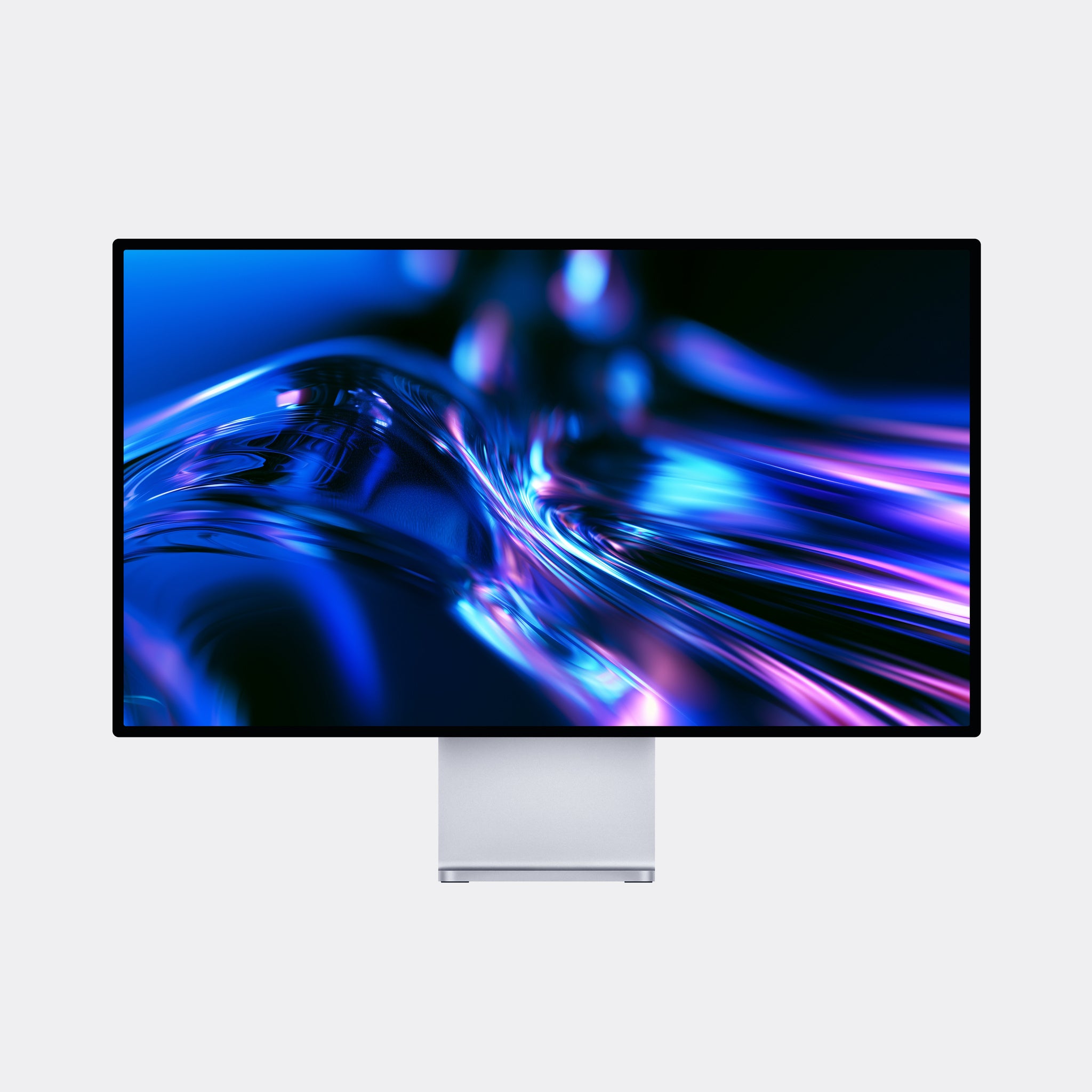
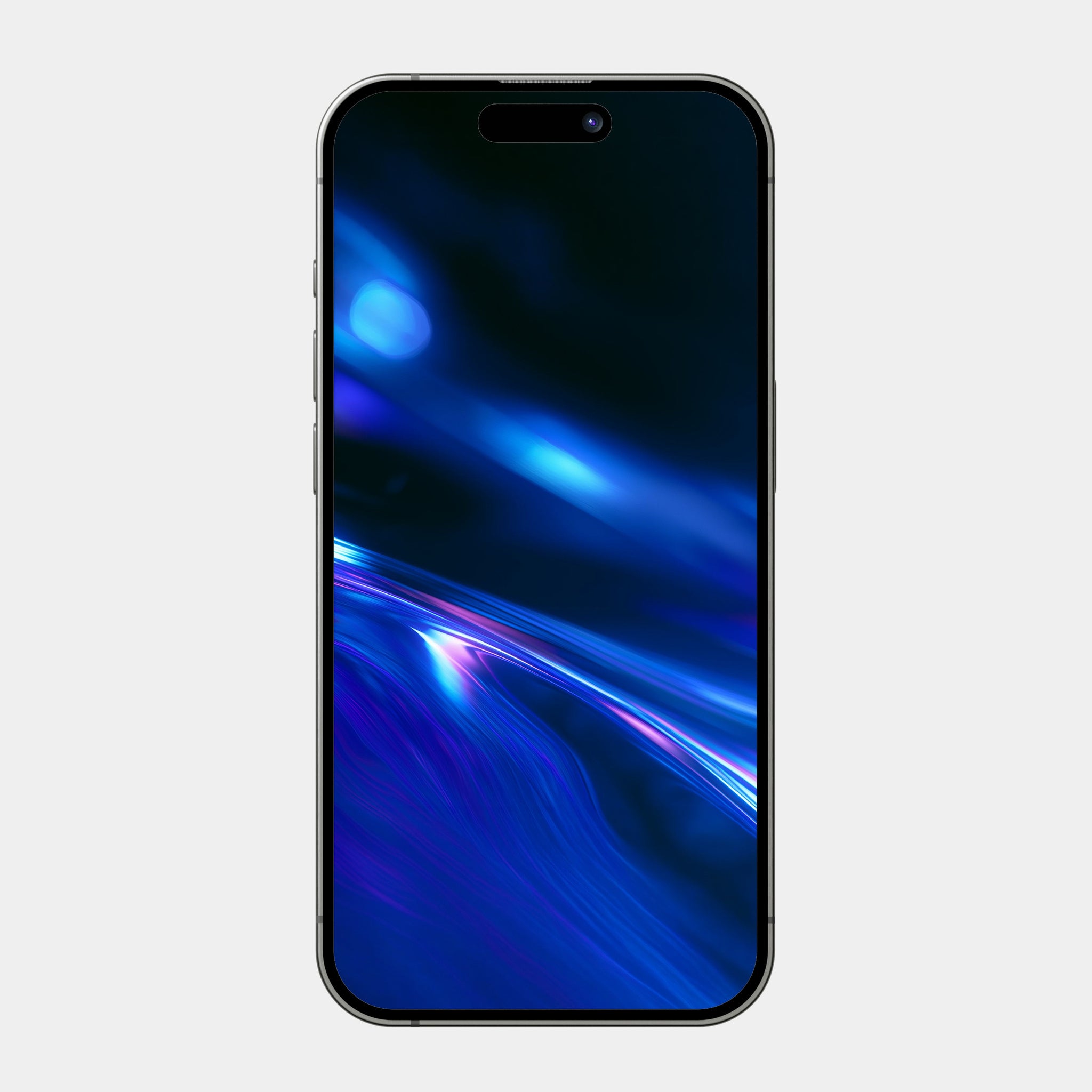
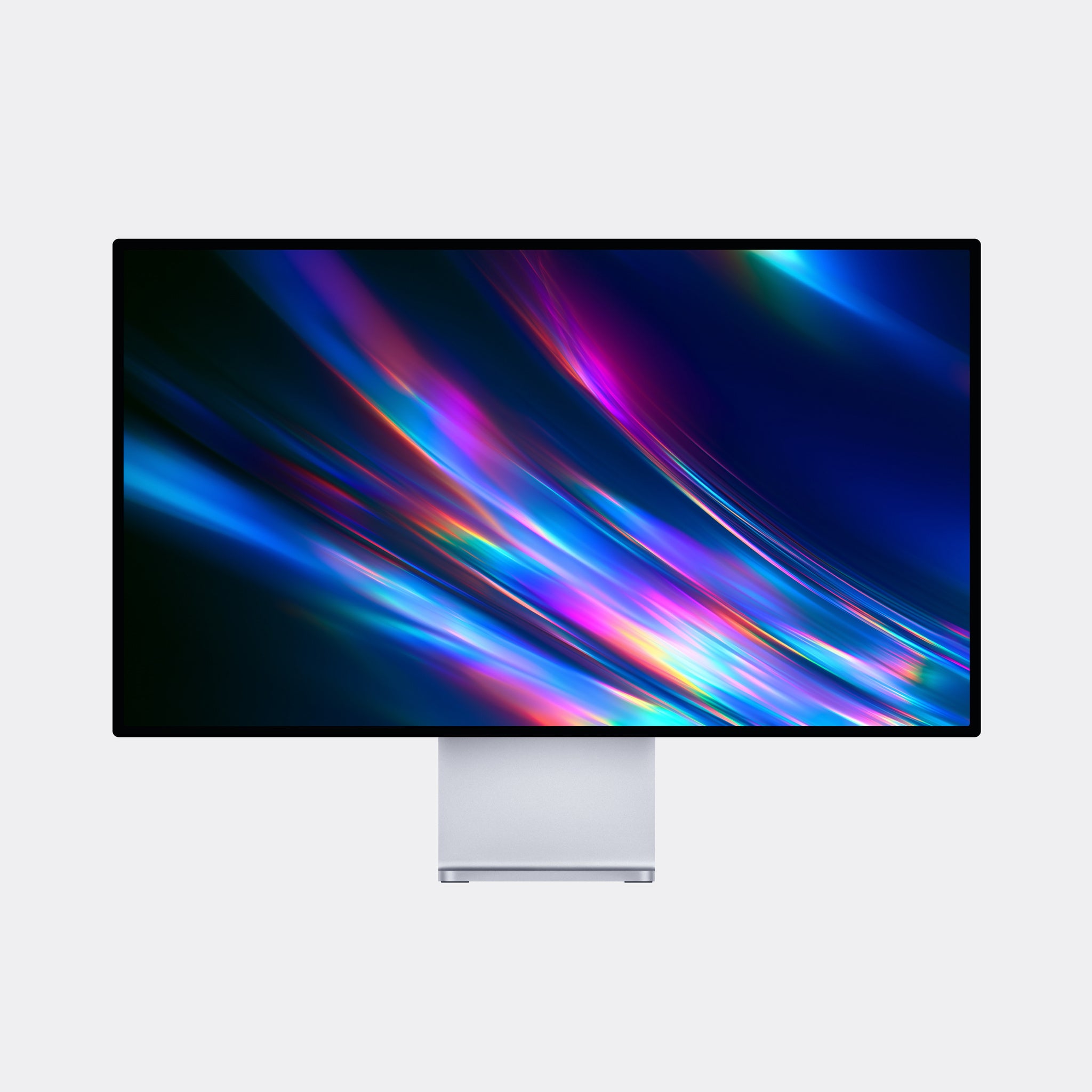
Light, bent and refracted into color. The Helios pack captures that holographic, prism-glass look — sweeping streaks of iridescent light in jewel tones, set against moody backdrops. Part of the Chroma Materials series, this collection is all about how light behaves on glass, chrome, and crystal — polished, luminous, and a little futuristic.
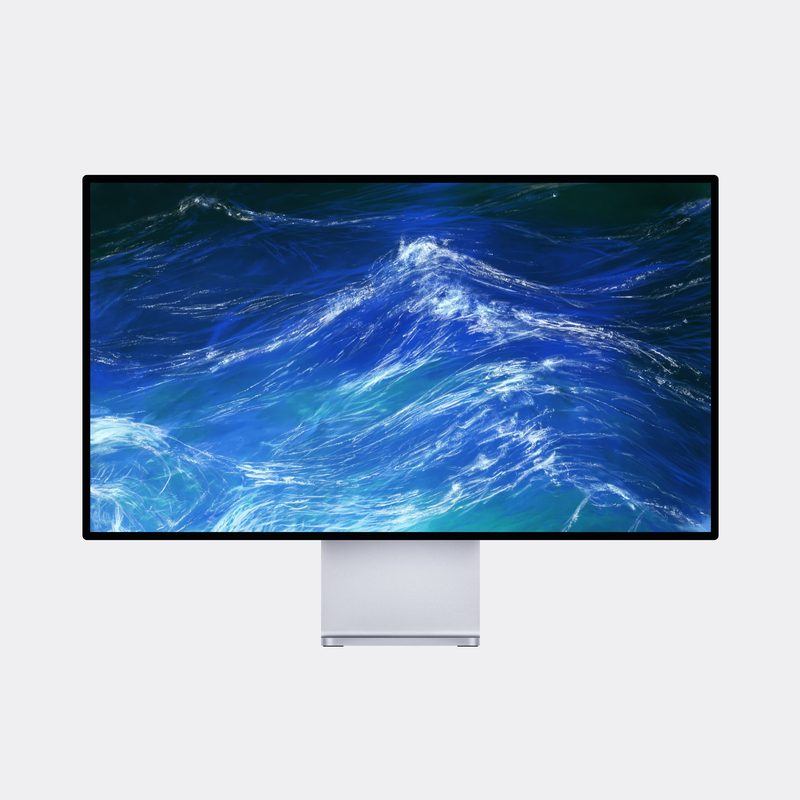
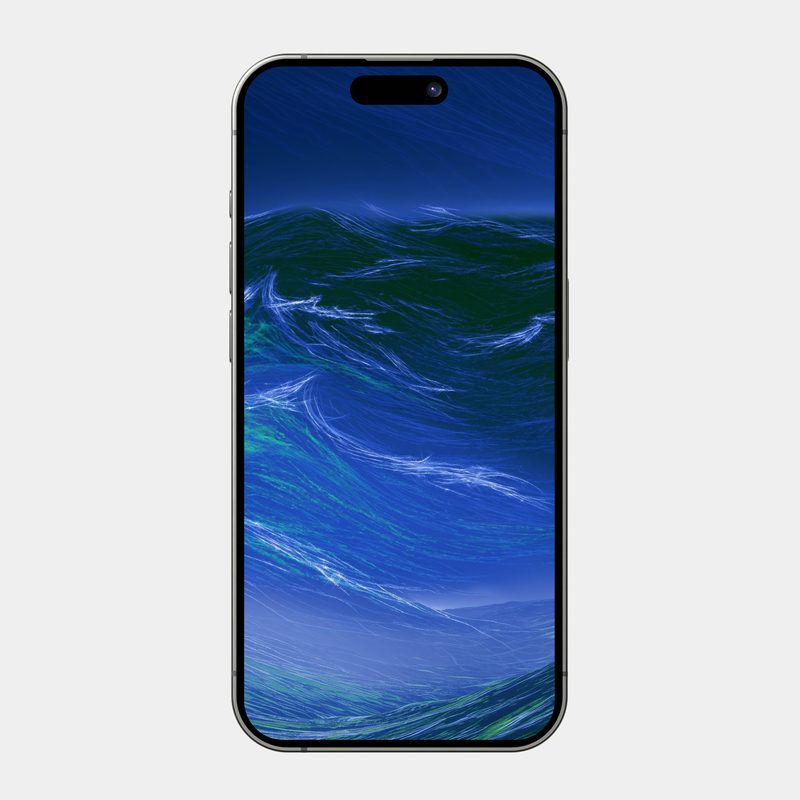
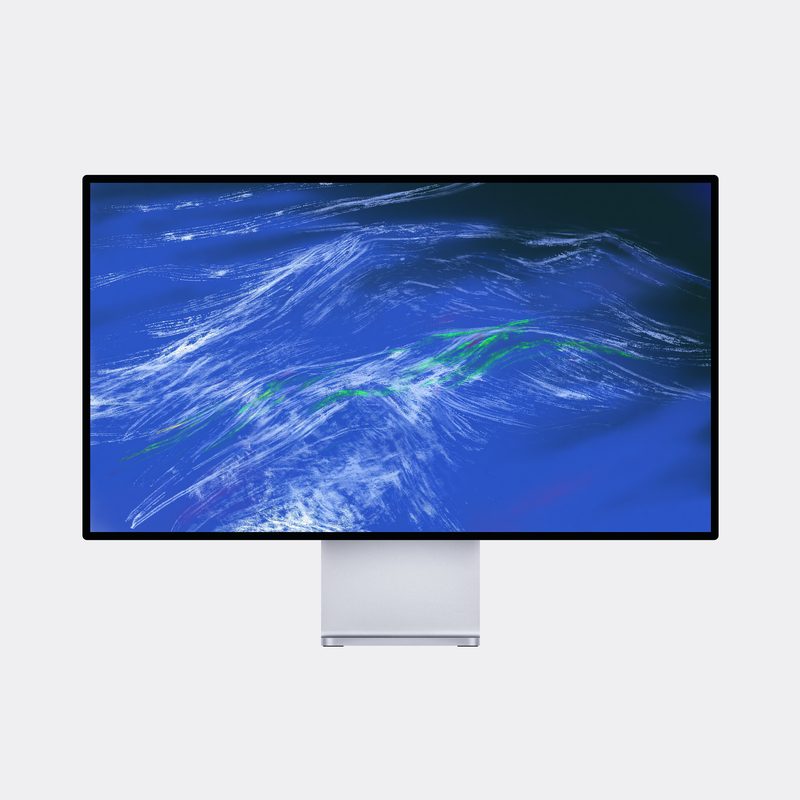
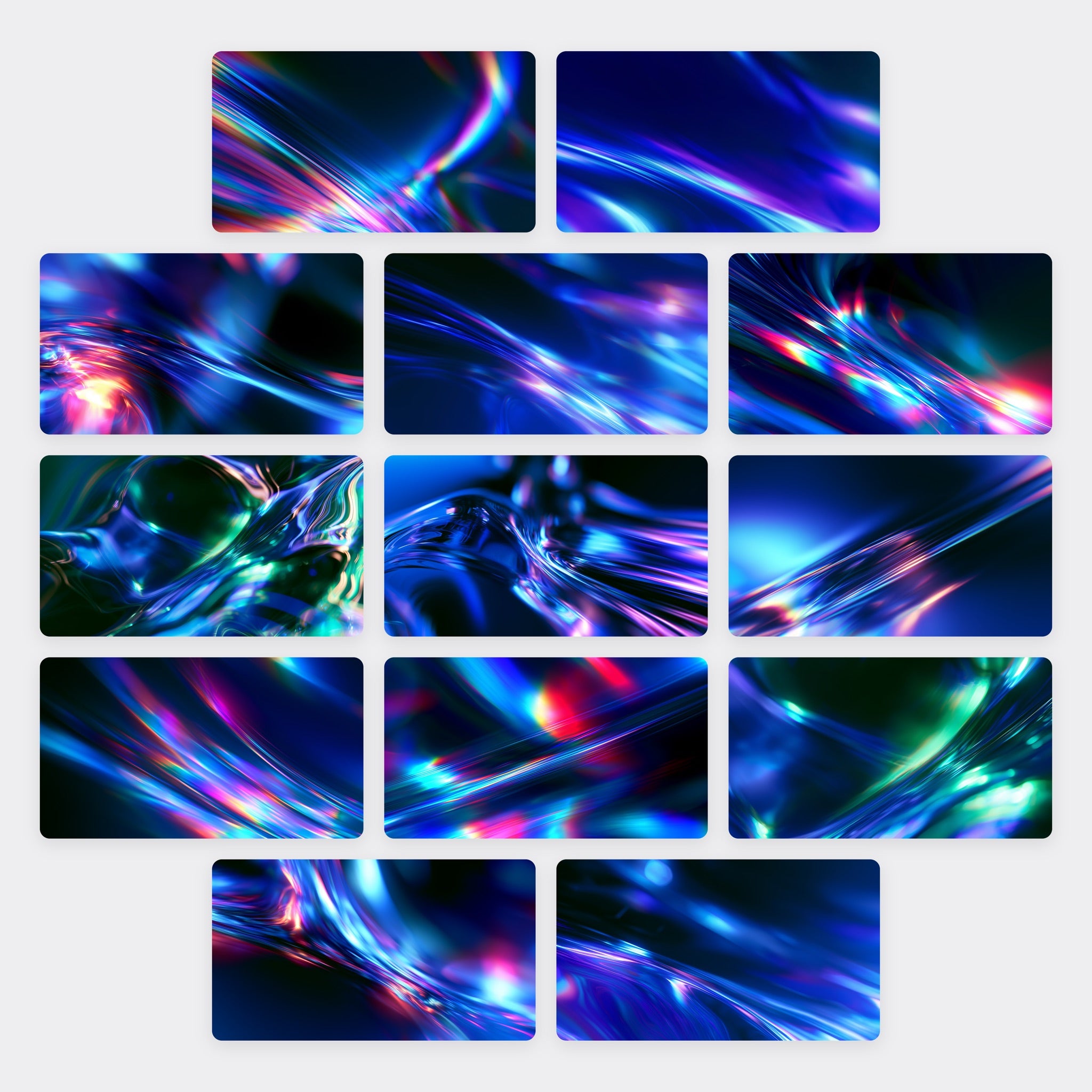
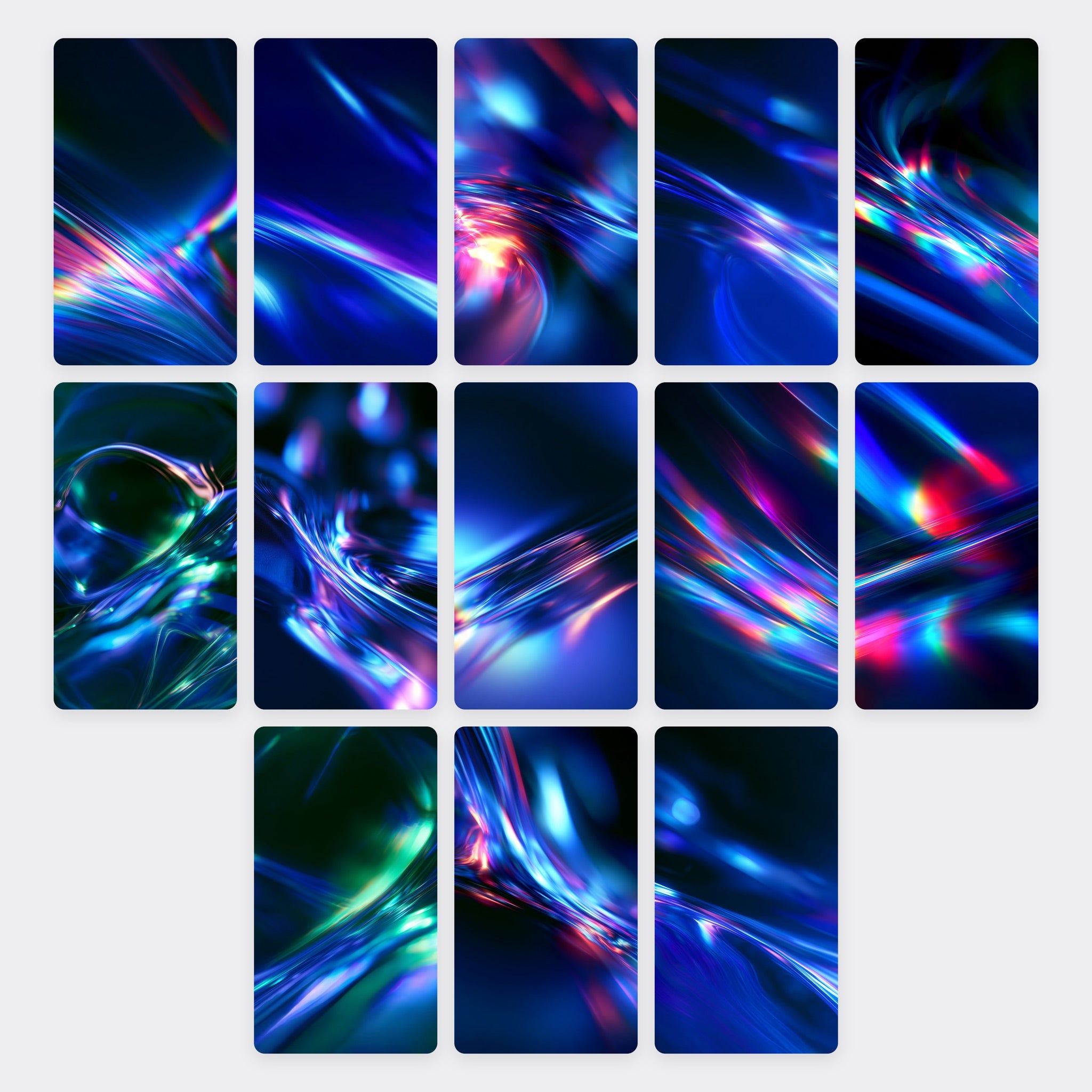
Included designs: Aurora Veil, Azure Ribbon, Blush Ember, Cobalt Bloom, Coral Blaze, Emerald Mirage, Indigo Vortex, Opal Drift, Prism Drift, Ruby Cascade, Sapphire Ripple, Topaz Flow, Violet Spark
What you get:
- 13 unique designs, each in a desktop and mobile version (26 files total)
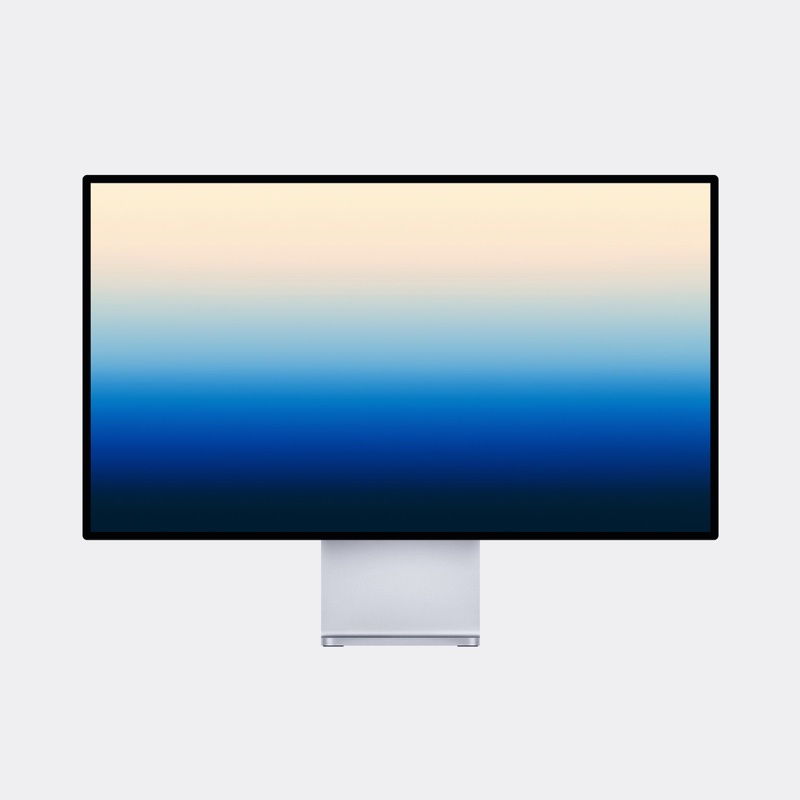
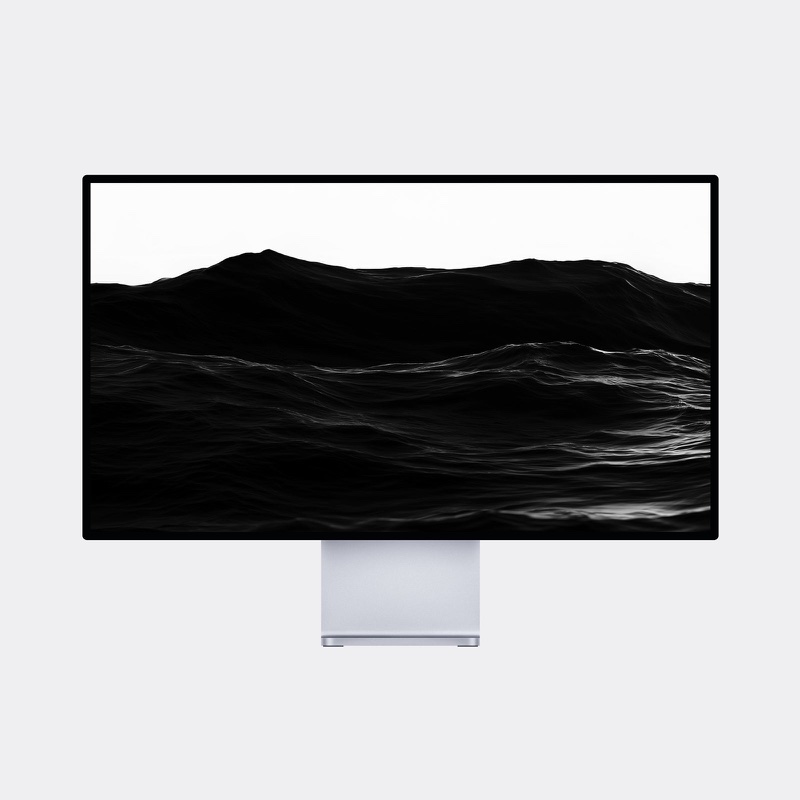
- Desktop: 2912×1632 (widescreen, fits all modern monitors)
- Mobile: 1632×2912 (fits iPhone & Android displays)
- High-resolution files, ready to download and set immediately
- A full spectrum of tones — cool blues and violets, warm corals and rubies — so there's a shade for every mood
Why you'll love it:
These wallpapers bring a premium, glass-like shine to your screen without feeling busy — great for anyone who wants their setup to look a little more expensive. The dark backdrops also make icons and widgets pop.
Instant digital download. For personal use.
Every design in this pack
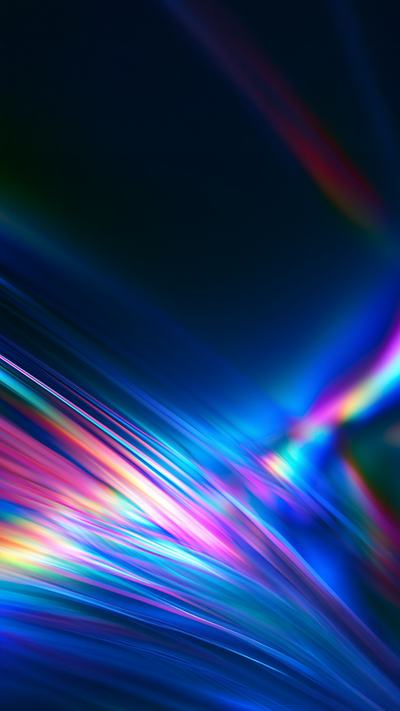
Aurora Veil
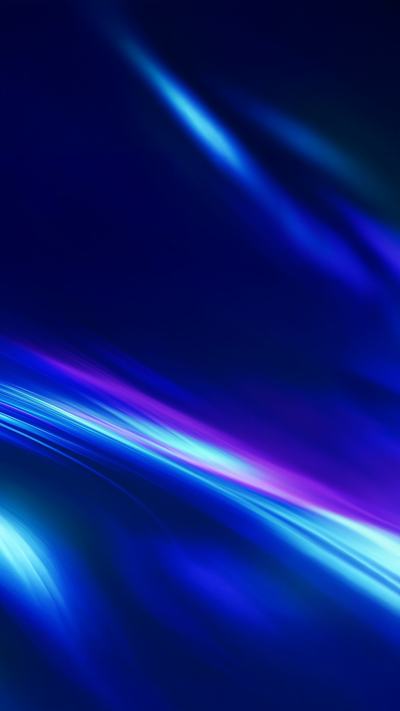
Azure Ribbon

Blush Ember

Cobalt Bloom

Coral Blaze

Emerald Mirage

Indigo Vortex

Opal Drift
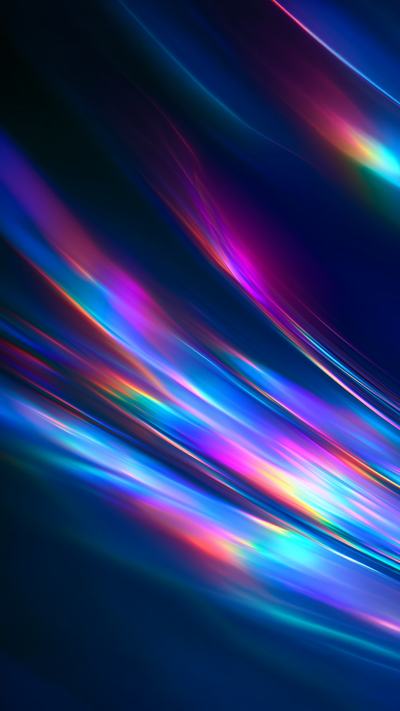
Prism Drift
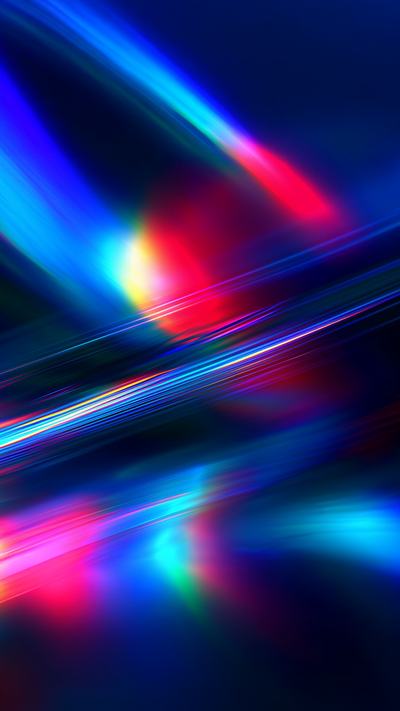
Ruby Cascade
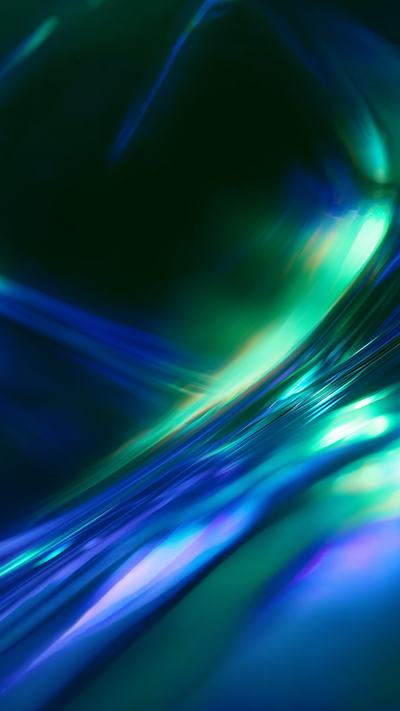
Sapphire Ripple

Topaz Flow

Violet Spark
Questions
Will these fit my phone and computer?
Desktop files are 2912×1632 (widescreen) and mobile files are 1632×2912 (portrait). They work on iPhone, Android phones, Mac, Windows PCs and any monitor. If your screen is a different shape, your device crops the edges slightly to fill it.
How does the download work?
Check out securely with Stripe. As soon as your payment goes through, your download page opens with your link. It works up to 5 times within 30 days, and your receipt is emailed to you.
What file format are the wallpapers?
High-resolution PNG and JPG images, delivered together in a single ZIP file. Your phone or computer opens ZIP files with a tap or a double-click.
How do I set a wallpaper?
- iPhone: save the image to Photos, open it, tap Share, then Use as Wallpaper.
- Android: open the image in Photos or Gallery, tap the menu, then Set as wallpaper.
- Mac: right-click the image in Finder and choose Set Desktop Picture.
- Windows: right-click the image and choose Set as desktop background.
Can I get a refund?
Because the files are delivered instantly, all sales are final. If you were charged twice, can’t access your files or a file won’t open, contact us and we’ll make it right. Read the full refund policy.
Can I use them for anything else?
Your purchase includes a personal-use licence: set the wallpapers on your own phone, tablet and computers. Please don’t share, resell or redistribute the files. For commercial use, contact us about a commercial licence.
Free gift
Get a free wallpaper
Enter your email and download one of our designs free, desktop and phone versions.